 Nask AI
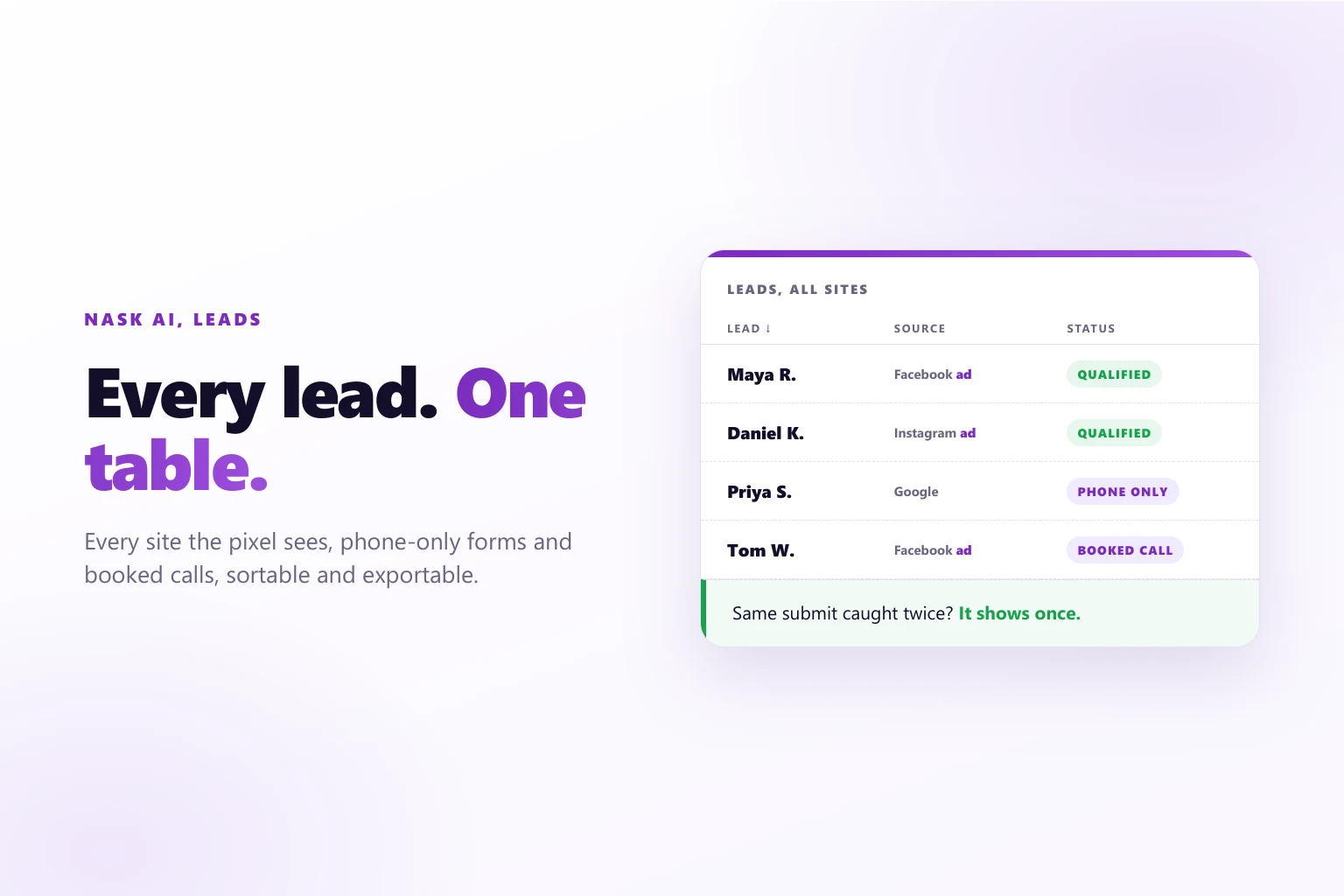
A lead that came from an ad and is not on your Leads page is worse than no lead at all: you think the ad failed when it worked. Until this week, the Nask AI Leads page read leads from pages Nask AI hosts, while leads captured by the nsk.js pixel on your own site lived somewhere else. Three releases between November 4 and 6 put every lead in one place.
What changed
One list for every site (November 5). The Leads page now shows every lead from every site the Nask AI pixel sees, plus the pages Nask AI hosts. If one form submit was caught by both, it shows once. Brands without a Nask AI page domain no longer see a lock instead of their leads. There is no 200-lead cap any more: Show older keeps loading, and a loading problem says so instead of pretending you have no leads. The list refreshes every 30 seconds.
A real table (November 4). Every column sorts when you click its header. Each quiz question gets its own column, with a Qualified badge. The source (Facebook, Instagram or Google) is read from the click and the referrer, with an “ad” tag on paid clicks. You can search by name, email, phone or city, filter by page or by qualification, pick your columns (Nask AI remembers them) and export the filtered rows as a CSV. Columns that are empty for every lead are hidden by default.
A readable lead (November 4). Opening a lead shows its quiz answers as questions and answers instead of raw data, links to the page it came from, and notes when the visit had no UTM tags.
More leads counted (November 6)
- Phone-only forms now count as leads. A form that asks for a phone number and no email used to be skipped.
- Booked calls become lead rows. A booking made through Calendly, Cal.com or GoHighLevel arrives as a lead with the details the booking carried. When the browser and the booking tool both report the same booking, Nask AI merges them, fills the gaps and sends it to Meta once.
- A daily duplicate check. Nask AI checks every day that Meta is not counting one lead twice, and raises an alert if it finds a problem.
Where it sits in the workflow
Leads sit after publishing: the ads run, the pixel and the funnel stages catch what happens next, and the Leads page shows it. See the full order on how Nask AI works.