 Nask AI
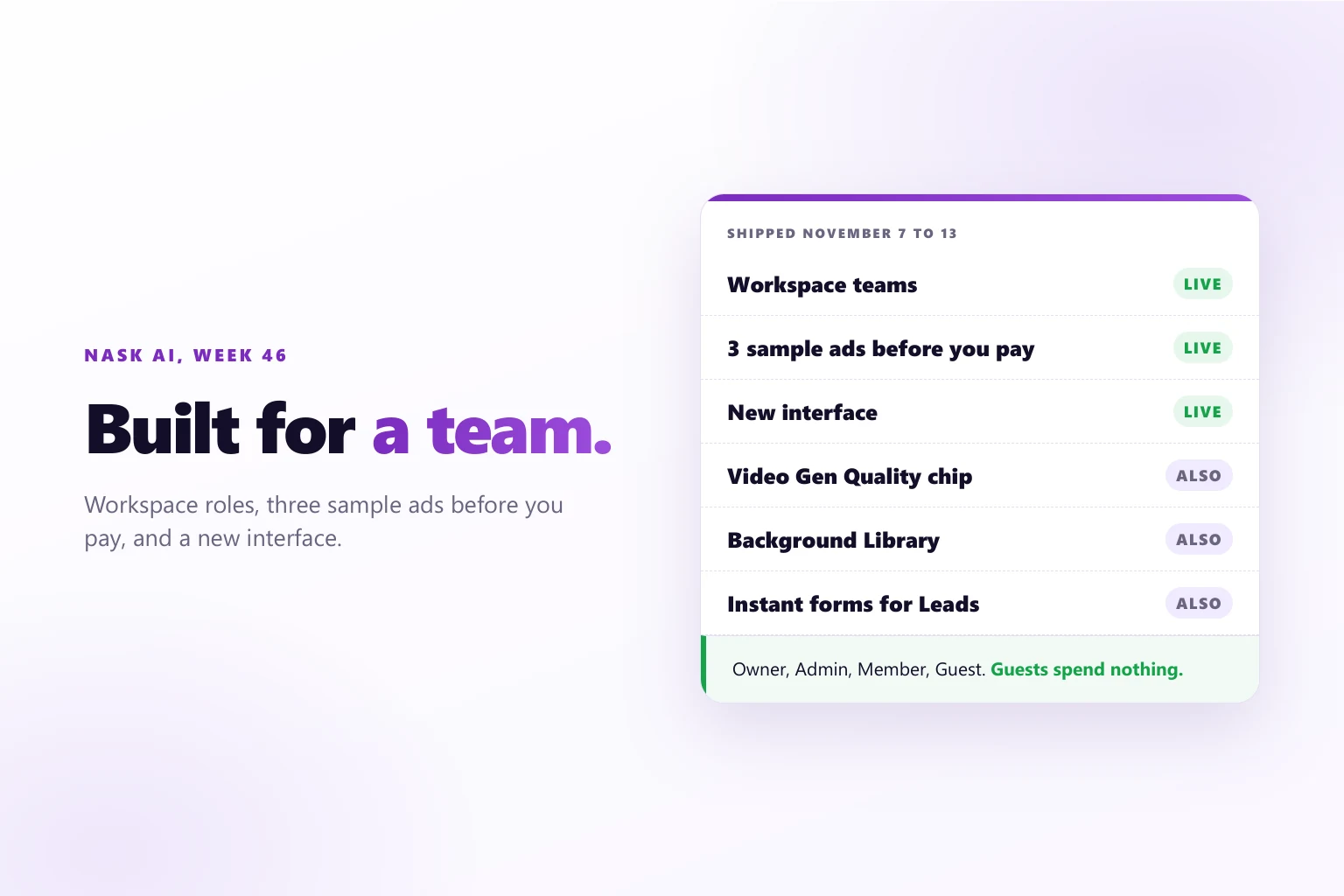
Three big changes went live in Nask AI between November 7 and 13, plus a handful of smaller ones that remove friction from work you already do. Every item below is live for every account today.
Workspace teams: invite people, give them a role
Running ads for one brand is a one-person job until it is not. Every workspace now takes teammates. Open Workspace Settings, type an email, pick a role, send. The link creates an account for a new person, or signs in an existing one, and drops them straight into your workspace instead of an empty account.
| Role | What it can do |
|---|---|
| Owner | Everything, including billing and the team. |
| Admin | Everything except billing. |
| Member | All product work on every brand. No billing, team or Meta connection changes. |
| Guest | Read access. Spends nothing and publishes nothing. |
The rules are enforced on the server, not by hiding buttons, so a Guest cannot start a render or publish an ad even if they find the button. A Members panel lists everyone and every pending invite, with resend and revoke. The last owner cannot leave, so a workspace never ends up orphaned. Someone in two workspaces gets a switcher, and every action runs against the workspace of the brand on screen.
Onboarding: three sample ads before you pay
The question every new account asks is whether the ads will be any good for their business. Onboarding now answers it before a card is entered. Nask AI reads your website, pre-fills your offer, buyer and industry for you to confirm, and makes three real ads for your brand. Each one shows its image, headline, primary text and compliance verdict. Payment comes after you have seen the work.
After payment and the Meta connection, a new tracking step checks the pixel heartbeat and the Conversions API with a real test event. Then the Approve queue lists every ad with the reason it was written that way: the angle, the awareness level and the buyer it targets. You approve ad by ad, set a daily spend cap, and publish exactly what you approved. Ads flagged by compliance cannot be approved. Everything reaches Meta paused, and a page refresh never creates a second campaign.
A new interface, one click away
Every signed-in user now has a Switch to new interface button in the header. Home, Create, Batch, Approve, Results, Portfolio and Brand run in the new look on your real data, with the same numbers as classic. Any screen that has not moved yet opens its classic page, so no link is a dead end. Classic stays the default, your choice is saved to your account, and Back to classic sits on every new screen.
Also this week:
- Video Gen Quality chip. Standard stays the default. Max renders sharper video for the ads that deserve it, and each option shows its credits per ad before you generate. The quote matches the charge.
- Background Library. Each brand now keeps a library of backgrounds for Text on a Background ads: upload them, pull them from Brand Assets or generate more. Runs use the least used ones first, so a batch stops sharing one background, and you only pay for backgrounds that still have to be generated.
- Instant forms for Leads campaigns. When a Leads campaign converts on Facebook or Instagram, pick the instant form right in the Ad set panel. A missing or inactive form blocks the publish with a plain message instead of failing at Meta.
For how these pieces fit into one loop, from brand to published ads to the weekly report, see how Nask AI works.