 Nask AI
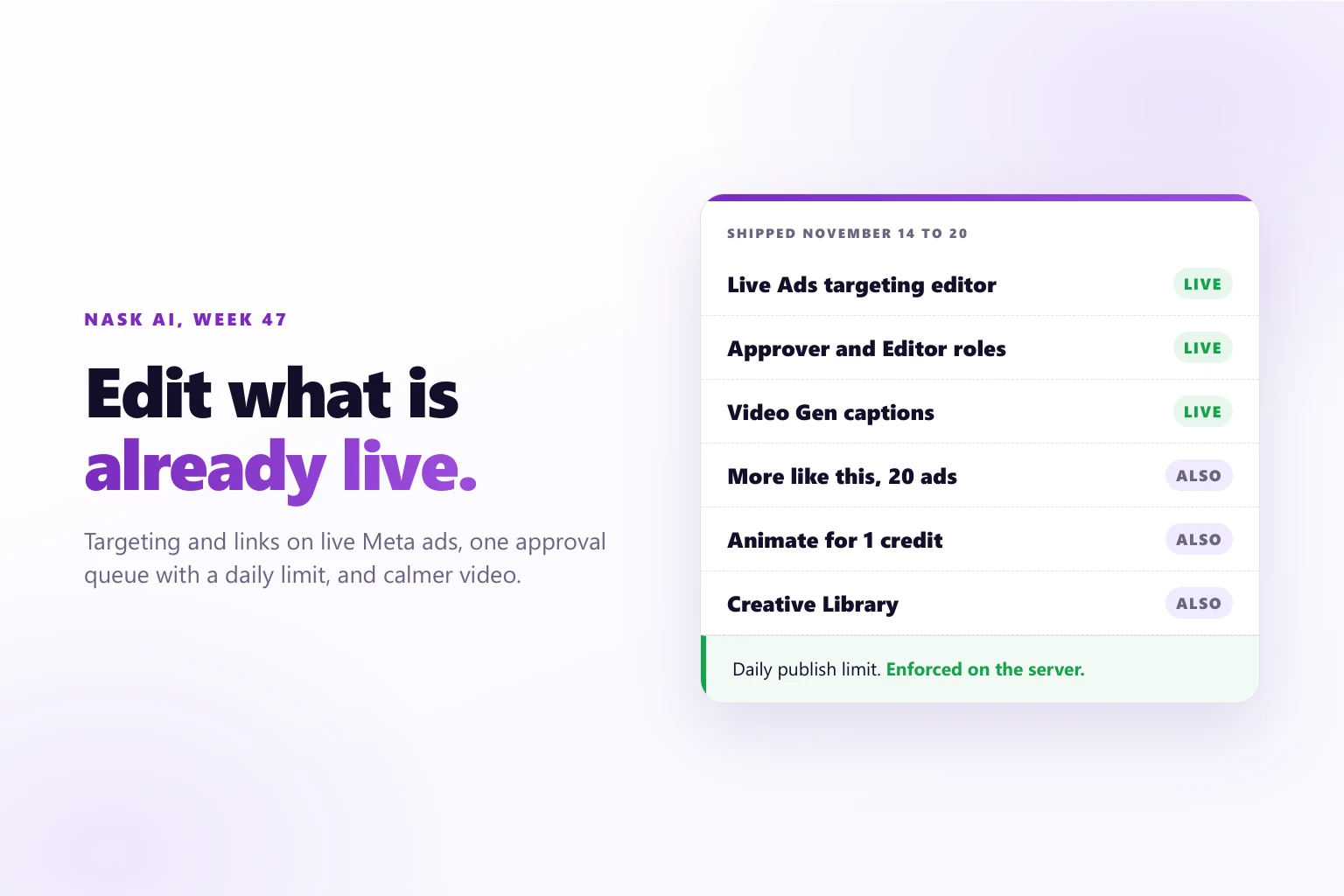
Three big changes went live in Nask AI between November 14 and 20, plus a list of smaller ones that turn a good ad into more of them. Every item below is live for every account today.
Live Ads: edit what is already running
Live Ads used to stop at on, off and budgets. It now edits the ad itself, without a trip to Meta’s own tools.
- Targeting editor. Open an ad set’s menu and pick Targeting to change countries, age range, gender and placements (Advantage+ or a list of platforms). It opens on what Meta has right now and sends only what you changed, so audiences, interests and cities you set elsewhere stay put.
- Change link. An ad’s menu now has Change link for the destination and its URL parameters. If an ad runs on an existing post and its link cannot be changed, it says so.
- Pick the dates. Today, Yesterday, 7, 14 or 30 days, This month, Last month, or a custom range.
- New paused ads show up. Ad sets and ads created in the last 14 days that are paused and have spent nothing now appear with a New, paused badge, so a fresh launch is never invisible.
- Faster and honest. The page paints your last view at once and refreshes it in place. Switching an ad on or off, or moving a budget, shows immediately and rolls back with a reason if Meta refuses. When an account is too big to list in one go, a notice says the list is incomplete instead of cutting it silently. Archive now asks first, because Meta cannot turn an archived ad back on.
The client connect link also got sturdier: cancelling halfway no longer burns the link, a match connects on its own, and if the connection lacks a permission Live Ads opens read only and names what is missing.
Approve: one queue, two new roles, a daily limit
In the new interface, Approve now reads every run of the brand, not just the last ten, with exact counts for held, ready and rejected ads in the queue and on the sidebar badge.
Two roles join Owner, Admin, Member and Guest:
| Role | What it can do |
|---|---|
| Approver | Reads the workspace and approves or rejects ads. Nothing else. |
| Editor | Writes drafts and works in the creative library. Cannot lift a compliance hold, publish, spend credits or touch billing. |
Each brand also gets an autonomy setting. Approve each refuses a publish while the campaign still has a held ad. Within limits lets approved ads go, up to a daily publish limit you set: at most that many ads in any 24 hours. The Approve screen shows the level, the limit and how many ads went out in the last day. Like the roles, it is enforced on the server, so no button can talk its way around it.
Video Gen: calmer actors, clips that match, captions
Video Gen ads now ask for a relaxed, natural performance on every new ad, so the presenter stops pulling faces at the camera. In a longer ad, each new clip continues the shot before it: same setting, same clothes, same pose, instead of a stranger in a new room.
A new with captions / no captions chip sits beside Quality on the plan. Captions are word by word, burned in after the edit and the voice, and off by default. Eight new hook styles also join the library, from the niche call-out to “can I be honest”, each written from the brand’s own evidence.
Also this week:
- More like this. Every ad on Best ads has a button that opens Create with that ad’s structure, never its claims, set to 20 new ads.
- Animate from Approve. Ready static ads in the new Approve queue can be turned into a Motion Ad for 1 credit, and a failed animation is free.
- Creative Library. Browse a template gallery and your brand’s style packs, pick up to 10 packs, and recreate them as new ads in one run.
- Home shortcuts. One click to more like your best ad, animate a static or make a video, plus a What’s next row on Results that shows held and ready ads.
- Credit top-ups. Three credit packs you can buy from Billing in either interface.
- Branded shared reports. Choose which sections a shared report shows, its accent color and its logo.
- Brand goals and live-ad count. Set a goal (leads or purchases, per week or month, with a cost cap) and see progress on Home and Results, next to how many ads are live on each brand.
- Lead company and temperature. The new Leads inbox shows each lead’s company and a hot, warm or cold badge from what they actually did.
- Product images stay true. The first render that uses a product photo reads its shape, colors and printed words once, and every render after keeps them.
For how these pieces fit into one loop, from brand to published ads to the weekly report, see how Nask AI works.