 Nask AI

Key takeaways
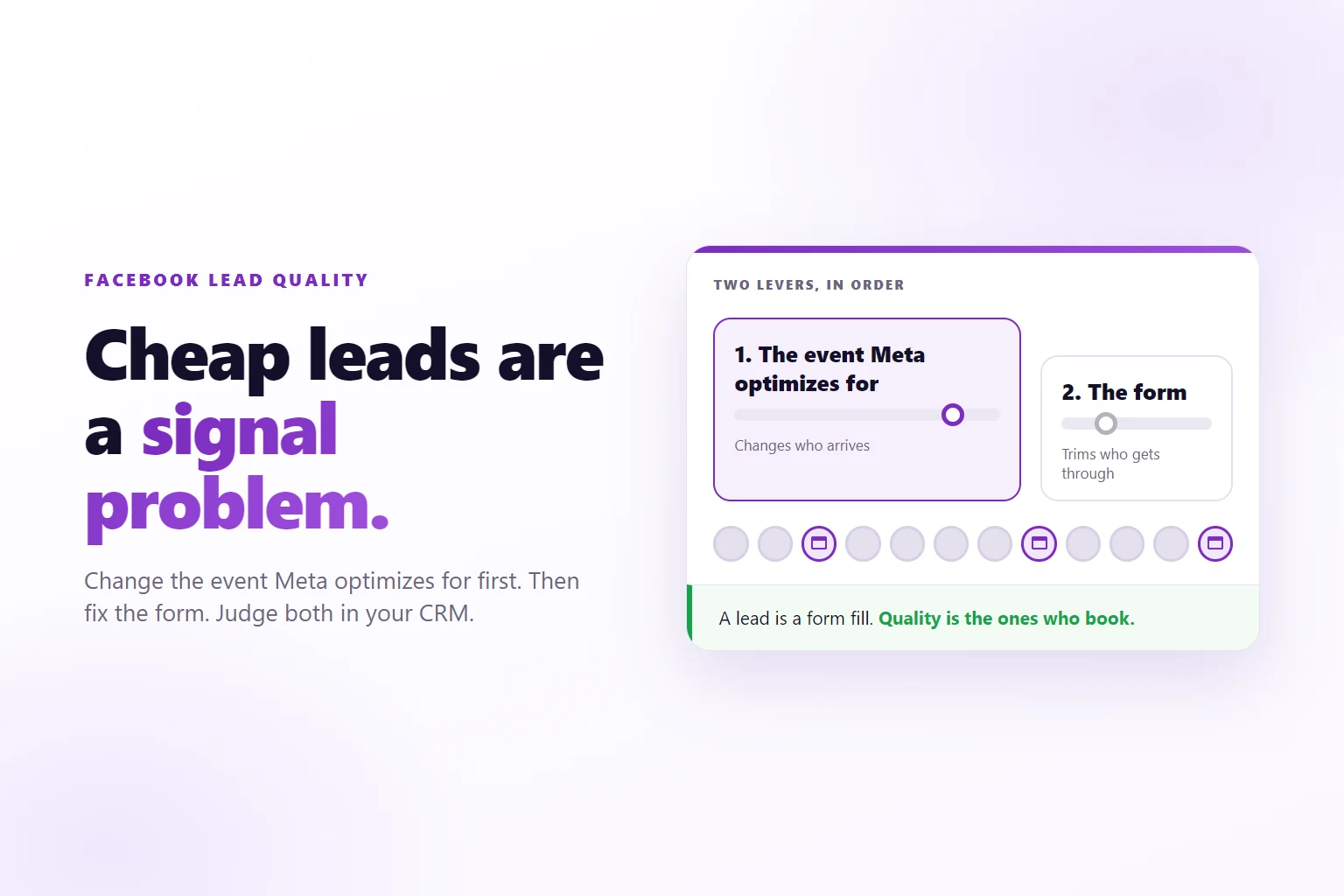
- Meta finds more of whatever event you optimize for, so the event decides who your leads are.
- Friction in the form trades volume for intent, so choose it on purpose.
- A booked call is a better optimization event than a form fill for most service businesses.
- Lead quality is measured in your CRM, not in Ads Manager.
Facebook lead quality is the share of leads from your ads that reach what you actually sell to, a booked call, a held meeting or a sale, and it improves most when Meta is told which leads got there.
Your Facebook ads bring in leads at a price you like. Then the sales calendar stays empty. Half the phone numbers ring out, a few names are people who never opened the form on purpose, and the ones who answer ask what the call is about. The cost per lead went down again this week, and the business got no better.
That pattern has a cause, and it is rarely the form. This guide puts the fix in order: decide what a good lead is, change the event Meta optimizes for, then adjust the form, and judge all of it in your CRM.
Why cheap leads keep getting cheaper and worse
Meta delivers your ads to the people it expects to produce the event you chose. If the event is a form submission, it hunts for the people who submit forms most cheaply. That group includes people who tap by accident, people whose phone fills every field in one touch, bots, and people who like clicking things and never wanted a call.
Those people are plentiful, so they are cheap. The numbers look better each week, because the system gets better at finding them. Cost per lead drops while the share of leads who book drops with it.
Nothing is broken here. Meta is doing the job it was given. The campaign asked for form fills and got form fills, which is a different group from the people who show up to a call and buy. The same pattern has other causes too, and how to tell junk leads from broken tracking is its own check.
So the first rule is to stop reading cost per lead as a quality score. It is an early warning, useful for catching a form that stopped working. It cannot tell you whether a lead was ever a customer. Only the stages after the form can, and those live in your CRM and on the booking page, not in Ads Manager.
What counts as a quality lead for a service business?
A quality lead is one that reaches the stage you actually sell from. For a service business that is rarely the form. It is usually the call.
Pick the stage in three steps:
- Write down what your sales call needs. The right kind of buyer, a budget that fits, a timeline that is real. A person who meets that picture and books is a quality lead. A person who fills the form and never books is not.
- Name the earliest stage that predicts a sale. For many service businesses that is a booked call. For others it is a call that was held, because no-shows are common. Avoid the sale itself for now. It is the truth, but it happens too rarely to steer ads.
- Keep a second stage as your report. Optimize on the early stage, report on the sale. The two do different jobs.
Write the stage down as one sentence, such as “a lead who books a call and attends it”. Every later decision, the optimization event, the form questions and the report, comes back to that sentence.
Tracking those stages is its own job, and tracking each lead past the form covers how a form, a booking widget, a page visit and the server each catch a stage. This guide assumes the booked call is being caught and focuses on what to do with it.
Lever one: the event Meta optimizes for
The event is the signal Meta learns from. Change it and you change who Meta looks for. Everything else you do to the form works on the people who arrive. The event decides who is sent in the first place.
For a service business the order of events, from earliest to latest, usually runs like this:
- Lead, the form is sent. Plentiful, cheap, loosely tied to revenue.
- Schedule, a call is booked. Fewer, dearer, much closer to revenue.
- A custom stage such as CallHeld, the call took place. Rarer still, and it screens out no-shows. A custom stage reaches Meta under its own name (the default for stages you create as custom), while the Conversion event picker in Upload & Publish lists Meta’s standard events, so Schedule is the one to pick there.
- Purchase, the deal is paid. The truth, and often too rare to learn from.
The rule that works for most accounts is to optimize on the latest stage that still happens often enough for Meta to learn from, then report on the sale. If you get a handful of paid clients a week, Purchase gives Meta almost nothing to work with. If booked calls arrive daily, Schedule gives it a steady signal that still points at people who want to talk to you.
Setting it in Nask AI
Do this in order, because the second step depends on the first.
- Get the booked call firing. In Nask AI, open Brands in the sidebar, pick the brand, and open the Growth tab. Under the Pixel and funnel section, the card 2. Funnels and stages holds your stages. Add Schedule, choose how it is detected, and use Test this stage until it reads Detected. The Nask AI pixel setup guide walks through the whole panel.
- Let it run until the stage is steady. A stage that fires twice a week is not a signal yet. Wait until booked calls arrive often enough that you trust the count.
- Pick the event in Upload & Publish. Under Pre-built templates, the template Schedule · Single Image is described as “Appointment booking optimized for the Schedule event.” Its preview lists the Conversion event as Schedule, and in the ad set section under Conversion & goal you can confirm the Performance goal reads Maximise conversions and the Conversion event reads Schedule. The Leads · Single Image · ABO template next to it optimizes for the Lead event instead, which is the form fill this guide is moving you away from.
- Start a new ad set for it. When you attach ads to an existing ad set in Upload & Publish, Nask AI shows that ad set’s goal and event read-only, because they are already set on Meta. A new event is a new ad set, and it will learn from scratch.
Expect a short stretch where cost per result looks worse. A booked call costs more than a form fill, because it is a harder thing to get. The comparison that matters is cost per booked call and cost per client, covered below.
Lever two: friction in the form
Friction is what a person has to do before the form is sent. Every extra field, question or confirmation filters out some people. Which ones depends on what you ask.
The research on forms is consistent on the cost. Nielsen Norman Group’s web form design guidance recommends cutting fields you do not need, because each one adds effort. Read that as the price of friction. Each field you keep costs volume.
What you buy with that volume is intent. A person who types an answer to a real question has spent effort on you. That is the trade, and it is a legitimate one, as long as you choose it deliberately.
Here is how to spend friction well:
- Keep the questions your sales team uses to qualify, and drop the rest. If nobody reads the company size, do not ask for it. If sales always asks about timeline, ask it.
- Prefer questions autofill cannot answer. Browsers fill name, email and phone from stored data, which is what the autocomplete attribute is for. A form of five autofilled fields filters almost nobody. One question that needs a real choice, such as a timeline or a service type, filters more than three extra contact fields.
- Either make the phone optional, or keep it required and say you will call it. If your team calls leads, a wrong number is wasted effort. A line next to the field that says you will call it sets the expectation and discourages throwaway numbers.
- Add a confirmation step only when junk is the problem. A second tap to confirm cuts accidental submissions. It does nothing about people who meant to submit and never wanted a call.
If you call leads by phone in the United States, the Federal Trade Commission’s Telemarketing Sales Rule may apply to how you do it, including the Do Not Call registry. Check it before you build a call list from form fills.
Treat friction as the second lever. It trims the edges of who arrives. It does not change who Meta is looking for.
Instant form or landing page?
An instant form keeps the person inside Meta and adds almost no effort between the tap and the lead, so it is where the cheap-lead problem is strongest. A form on your own site adds a step and keeps the booked call where nsk.js can see it, and the full comparison lives in the guide on the facebook lead form vs landing page decision.
How do you send lead quality back to Meta?
Sending quality back means telling Meta, for each lead, which stage they reached and which ad brought them. Two conditions make that work. The stage has to be detected, and it has to carry enough identifiers to be matched to the person who clicked.
In Nask AI, each stage has a Send to Meta switch, on by default. A stage with the switch off shows a “Not sent to Meta” badge in the list and still appears in your own reports. Stages can also carry a Value, which is worth setting for a booked call: it is worth something before anyone pays.
Before you go live, check the Sending to Meta card. While it reads Dry run, a test event shows “Test mode, not sent to Meta”. Switch to Live only when the stages you tested arrive the way you expect. The tracking guide explains which identifiers do the matching, and a payment or CRM stage is matched back to the lead by email first.
Then choose which stage Meta optimizes on. The stages Meta never sees as the target can still be sent as data, so Meta learns from the whole path and your report keeps all of it. For instant forms there is also a goal built for CRM stages, covered in how conversion leads optimization works.
A lot of advice stops at “send your CRM data to Meta”. The harder part is the order. Detect the stage, test it, send it, wait for volume, and only then switch the ad set’s event. Skip a step and Meta optimizes on something thin, delivery wobbles, and the account looks worse than before you started.
Measuring quality where it lives: the CRM
Ads Manager counts leads and the cost of getting them. Your CRM knows what happened next. Quality is a CRM number, so the report belongs there too.
Build one table, with one row per ad. Name your ads so the name travels with the lead; nsk.js stores the UTM parameters of the visit, including utm_content, and many advertisers fill that with the ad name. Then add the columns a decision needs:
- Leads from that ad.
- Booked calls from those leads.
- Calls held.
- Clients.
- Spend, so you can divide.
From those you get cost per lead, cost per booked call, cost per held call and cost per client. Read them left to right. An ad that wins on cost per lead and loses on cost per booked call is not a good ad. It is a cheap one. Which conversions an ad is credited for also depends on the attribution setting for lead gen.
Two habits keep the table honest:
- Judge a cohort once it has had time to book. Leads need days to book and weeks to buy. Reading yesterday’s leads against today’s sales makes every ad look bad.
- Decide on the deepest stage with enough volume. If an ad has twenty booked calls and one client, rank it on booked calls and let the client count settle the tie later. Rank on a single client and you are reading noise.
The table will also show you something Ads Manager cannot: which ads attract buyers rather than clickers. Keep those, and brief the next batch on what they have in common. Creative variety per ad set explains why different angles reach different people, and that matters here, because the ad’s promise is the first filter anyone meets.
When more friction is the wrong fix
More friction is the reflex answer to bad leads, and it is wrong more often than people expect. Skip it in these cases:
- The event is still Lead. If Meta is optimizing for form fills, extra questions reduce the pool it searches without changing what it searches for. Fix the event first.
- Volume is already thin. A form that gets a handful of leads a week cannot afford a heavier form. Every question you add pushes you closer to too little data for Meta to learn from.
- The ad promises the wrong thing. If the ad says free or fast and the call is a sales call, the form is not the problem. The promise is. People arrive for something you do not sell.
- The leads are fine and nobody calls them. A lead that waits two days for a first call looks like a bad lead in the CRM. Check how fast the first contact happens before you blame the source.
- You cannot yet see the booked call. Without it, you are changing the form blind. Get the stage firing and tested first.
In each case, a heavier form costs volume and fixes nothing. Do the cheaper diagnosis first.
Frequently Asked Questions
Why are my Facebook leads fake or unreachable?
Usually because the campaign optimizes for form submissions, and the cheapest submissions include accidental taps, autofill and bots. Meta is doing what it was asked. A confirmation step helps at the edges. Changing the optimization event to a booked call changes who Meta looks for in the first place, which is the bigger fix.
Do more form questions improve lead quality?
They raise intent and cut volume, and the trade is not always worth it. Each question filters out some low-intent people and some busy buyers too. Keep the questions your sales team uses to qualify and drop the rest. If quality is still poor, the optimization event is the likelier problem, not the form.
Should I switch to conversion leads?
Only if your leads come from instant forms and your CRM can send stages back with the Meta lead record, because that is the case the goal was built for. It also needs enough qualified leads to learn from. If your form is on your own site, optimize on a standard event such as Schedule instead, and check Meta’s current requirements first.
How many quality leads does Meta need to learn?
Meta’s commonly cited guidance is about 50 optimization events per ad set per week to leave the learning phase, and Ads Manager shows when an ad set is still learning. A stage that happens rarely, such as a signed client, often gives too little signal on its own. Optimize on the latest stage that still happens regularly, often the booked call, and report on the sale.
Should I judge lead quality by cost per lead?
No. Cost per lead tells you what a form fill costs, not what a customer costs. A campaign with a higher cost per lead and a higher booking rate is often the cheaper one per sale. Track cost per booked call and cost per sale by ad, and treat cost per lead as an early warning only.
Tell Meta which leads booked, with Nask AI
Nask AI holds the parts of this guide in one place. nsk.js catches the booked call on your pages, a CRM stage, a Stripe payment or a webhook brings in the stages after it, and the Send to Meta switch decides which of them Meta sees. In Upload & Publish, the Schedule template points a new ad set at the booked call, so Meta looks for more people like the ones who booked.
Get the booked call firing, test it, then point your next ad set at it. Book a demo to see it on your own funnel.
Book a demo